Trading crypto can be overwhelming. Prices move fast, new coins launch daily, and Binance offers hundreds of opportunities from spot trading to futures, staking, and Launchpad events. Most traders spend hours switching between multiple tabs to track markets, tools, and signals.
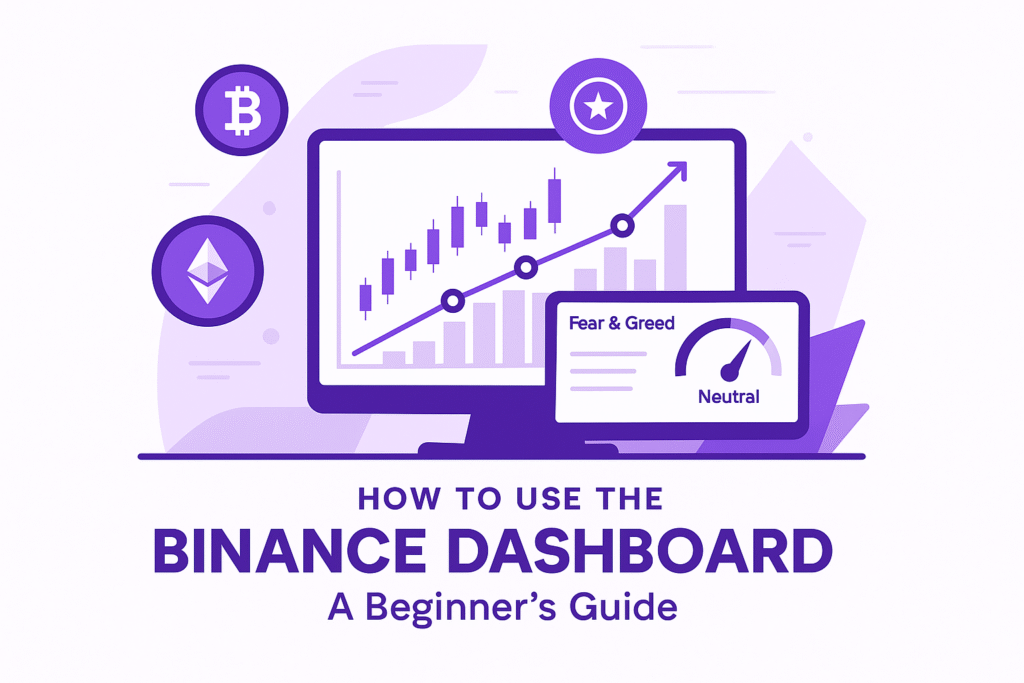
This is exactly why we built BinanceDashboard.com — an all-in-one hub where you can track Binance funding rates, top gainers and losers, grid bot strategies, the Fear & Greed Index, and staking/launchpool opportunities.
In this beginner-friendly guide, you’ll learn:
What the Binance Dashboard is
Why it matters for both beginners and advanced traders
How to use each section of the dashboard
The best strategies to combine these insights with your trading
👉 Quick link: Check today’s Binance Dashboard – Top Gainers & Losers.
What is the Binance Dashboard?
The Binance Dashboard is a centralized hub where traders can track:
Top Gainers/Losers (Binance spot markets, updated daily)
Futures Funding Rates (positive or negative swap costs for positions)
Grid Bot Profit Estimators (tools to calculate potential profit, risk, and ROI time)
Fear & Greed Index (sentiment gauge of the overall market)
Staking & Launchpad opportunities (passive income and early project access)
Unlike Binance’s native app, which spreads these features across multiple menus, BinanceDashboard.com brings them into a single clean interface inspired by the Hostinger hPanel design.
Why the Dashboard Matters for Binance Traders?
Whether you are a beginner or a pro, you can’t afford to trade blind. The dashboard helps you:
📊 Save time – Instead of checking multiple pages, everything is in one place.
🎯 Spot opportunities quickly – Top movers and trending pairs update in real time.
💸 Avoid losses – Funding rates and sentiment indicators highlight when markets are overheated.
🚀 Plan strategies – Use the Grid Bot estimator before deploying capital.
For example, if funding rates are strongly negative, shorts are paying longs — a potential signal of over-leverage. At the same time, the Fear & Greed Index may confirm whether traders are panicking or greedy.
How to Use the Binance Dashboard (Step by Step)
Step 1 – Check Top Gainers & Losers
Go to the Binance Dashboard Tool.
Look at the Top 10 Gainers → coins that surged most in the last 24 hours.
Look at the Top 10 Losers → coins that dropped the most.
👉 Pro Tip: Combine this with the Fear & Greed Index to confirm if moves are sustainable or hype-driven.
Step 2 – Review Futures Funding Rates
Visit the Funding Rates Dashboard.
Positive funding → longs pay shorts (market bullish).
Negative funding → shorts pay longs (market bearish).
Funding rates show market sentiment and help you decide whether to join or fade the trend.
Step 3 – Use the Grid Bot Estimator
Before deploying a strategy, use the Grid Estimator Tool.
Input your capital, leverage, grid range, number of grids.
Get an estimate of profit per cycle, daily ROI, and time to reach your target.
Adjust parameters (narrower grids = more cycles, wider grids = higher per-cycle profit).
Step 4 – Monitor Sentiment
Check the Fear & Greed Index daily.
Greed > 70 = possible overheated market.
Fear < 30 = potential accumulation zone.
Trading Strategies Using the Dashboard
Funding Rate Arbitrage
Spot when funding is heavily negative.
Consider long entries if aligned with market sentiment.
Grid Trading in Ranges
Use Grid Estimator to set safe ranges.
Focus on coins with sideways price action (low trend, high ADR).
Sentiment Contrarian Trades
Greed index high + positive funding = short-term short opportunity.
Fear index low + negative funding = long-term long opportunity.
Common Mistakes Beginners Make
Ignoring funding rates before entering futures.
Running grid bots without estimating ROI and liquidation risk.
Trading only based on hype (top gainers) without checking volume/liquidity.
Conclusion & Next Steps
The Binance Dashboard is your daily command center. Beginners can use it to avoid costly mistakes, while pros can refine strategies with data-driven insights.
✅ Start here:
👉 Ready to trade smarter? Use our tools or sign up on Binance to apply these strategies today.
FAQs
What is the Binance Dashboard used for?
The Binance Dashboard is a centralized tool that lets traders track top gainers and losers, futures funding rates, the Fear & Greed Index, and trending coins. Instead of switching between multiple Binance menus, you get a single place to analyze market sentiment and opportunities.
How do I track top gainers and losers daily?
Simply open the Binance Dashboard section on Crypto Tools Panel. It updates every 24 hours with the top 10 gainers and losers by percentage change and trading volume. This helps you quickly spot which coins are moving the most.
How does the Fear & Greed Index help traders?
The Fear & Greed Index shows whether the crypto market is driven by fear (low sentiment) or greed (high sentiment). A reading above 70 often signals overbought conditions, while below 30 suggests possible buying opportunities.
What are Binance funding rates and why do they matter?
Binance funding rates are periodic payments between traders in futures markets. Positive rates mean longs pay shorts (bullish bias), while negative rates mean shorts pay longs (bearish bias). Monitoring them helps avoid entering positions when the market is overheated.
Can beginners use the Binance Dashboard effectively?
Yes! The dashboard is beginner-friendly and designed to save time. Beginners can use it to avoid common mistakes like trading without checking sentiment or funding rates, while advanced traders can combine tools for more complex strategies.